Viewing
Source Code Files
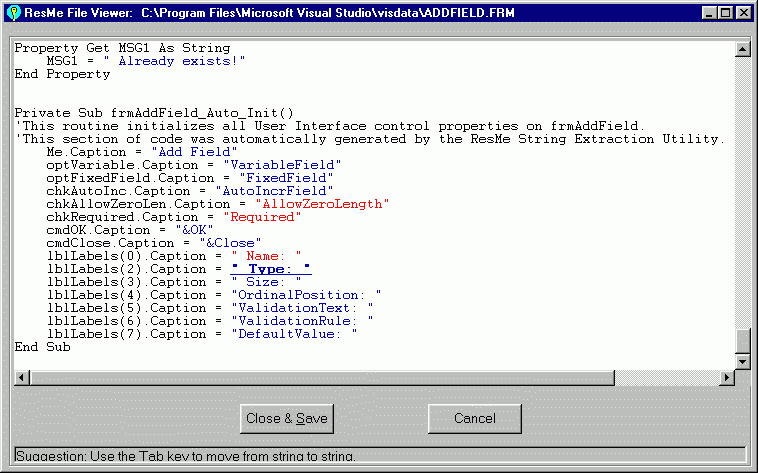
The Enterprise version of ResMe String
Extractor allows viewing of files by double-clicking on a
highlighted string in a line of code in question. Just select
the string you are interested by clicking on it in one
of the list boxes. This causes all lines of code that use this string to be shown.
Then double-click on the line of code that you are interested in. The file containing that line
of code will be opened, the line of code will be scrolled into the viewable region, and
the string in question will be highlighted as shown. A real time saver because you can
view the entire context of how that string is used in the program.
You can also toggle the state of the string by pressing the
keyboard space-bar. Use the tab key to move to the next string or
ctrl-tab to move to the previous string. All string states of a
file can quickly be processed using only the keyboard.
|

